To give yourself any chance, deactivate default settings.

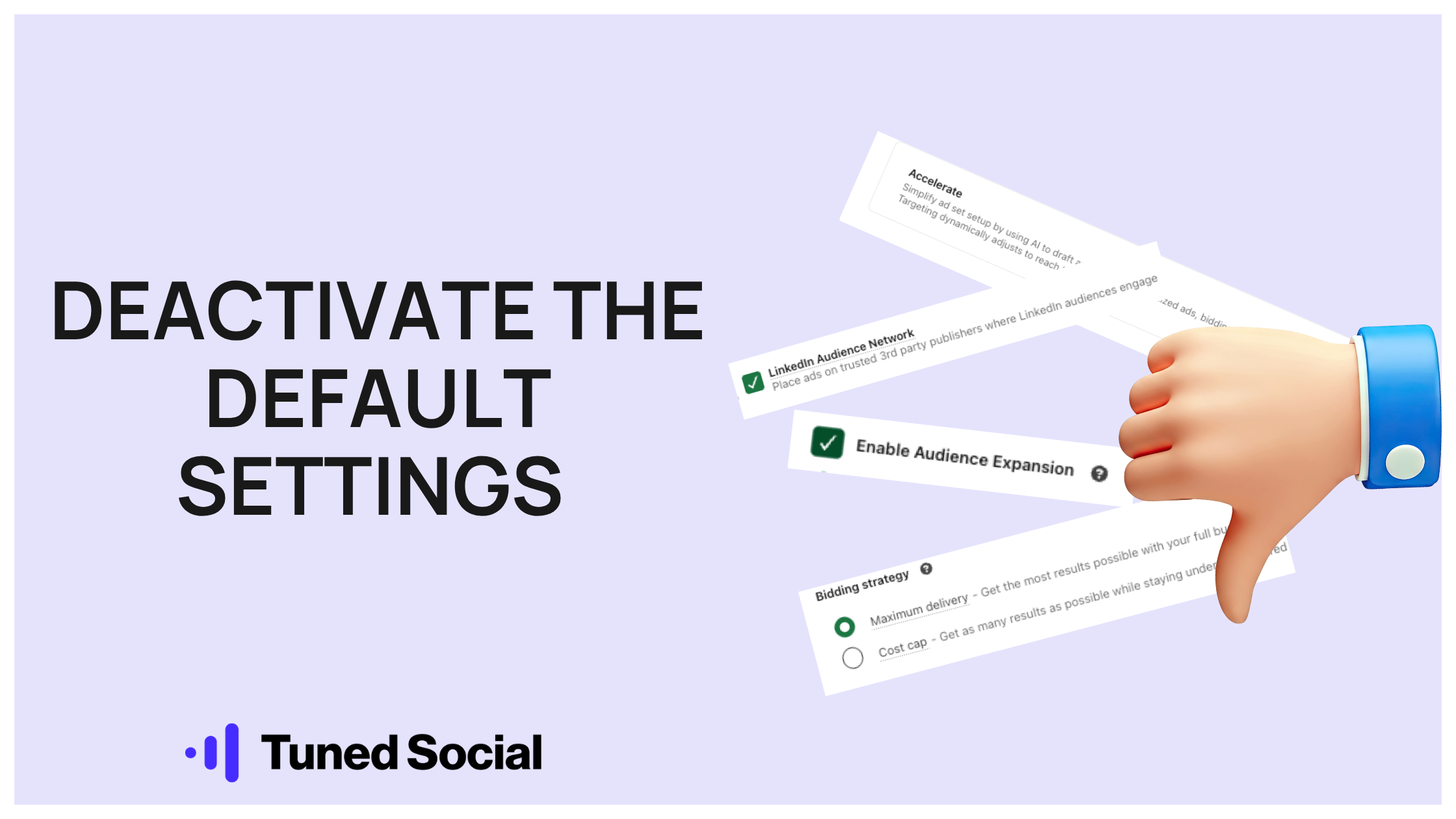
LinkedIn Ads has a series of tripwires that can destroy your campaign performance before you've even started.
Within the first 5 minutes, you're hit with the default or non-default but enticing options of:
(1) 'Accelerate' campaign builds
→ You'll nearly always want 'Classic'
(2) 'Auto-Targeting'
→ Creates dubious targeting based on your website, not recommended.
(3) Location: Permanent or recent
→ Most B2B cases just need permanent.
(4) Audience expansion enabled
→ The single biggest killer of precise targeting.
(5) LinkedIn Audience Network
→ The way to pay for LinkedIn advertising that's not shown on LinkedIn.
(6) 'Maximum delivery' bidding
→ A bidding method that is only ever useful when you're 100% sure everything else is firing.
While the permanent or recent location settings are annoying, they'll only divert you slightly off track. However, the 5 other settings can divert you way off track by either:
↳ Making you pay for the wrong audience
↳ Making you pay too much for the right audience
The bottom line is - get your audience wrong by getting caught out by these settings, and everything else is pointless.
Not only are they tricky for people who aren't used to the platform, but they're easy for seasoned LinkedIn Ads folks to miss if they aren't fully focused on removing them.
--
To make sure you haven't got caught out or missed something, you should always scientifically track the performance and demographic reporting in the early stages of your campaigns.
A couple of things to look out for:
- Check your CPC costs.
- Monitor Demographics.
- Check Engagements on posts.
Watch them all carefully, especially at the start. Then once you’re happy, it’s time to start testing everything else.
Deactivate the right settings and keep check on your demographics, and then you won't fall at the first hurdle.